
How Do I Repost on Social Media: A Comprehensive Guide
If you’re looking to share content that resonates with you on social media, you might be wondering how do i repost on instagram and other platforms. Reposting is a great way to engage with your audience, celebrate creators you admire, and add depth to your profile. In this guide, we will explore the methods for reposting on various platforms, including Instagram, Facebook, Twitter, and Pinterest. Let’s dive in!
What is Reposting?
Reposting refers to the act of sharing someone else’s content on your own profile or page. This can be done through various methods according to the platform you are using. It is an effective way to build community and share relevant content while giving credit to the original creator.
Reposting on Instagram
Instagram does not have a built-in repost feature, but there are a couple of methods you can use to repost content easily:
- Using Third-Party Apps: Apps like Repost for Instagram allow you to repost photos and videos. To use such an app, copy the link of the post you want to repost, open the app, and it will prompt you to repost. This method keeps the attribution to the original poster.
- Manual Reposting: You can also take a screenshot of a post or use a screenshot tool to capture the content you want to share. After taking the screenshot, you can upload it to your own feed. Make sure to mention or tag the original creator in the caption to give proper credit.
Reposting on Facebook
Reposting on Facebook is relatively simple:
- Navigate to the post you’d like to share. Click on the “Share” button located below the post.
- You can then choose to share it on your timeline, in your stories, or in a message to friends. You may also add your own commentary to the post before sharing.
Reposting on Twitter
On Twitter, reposting is called “retweeting.” To retweet:
- Locate the tweet you want to share. Click on the retweet icon (two arrows forming a square).
- You will have the option to add a comment or just retweet the original message as it is.
Reposting on Pinterest
Pinterest allows users to share others’ pins easily:
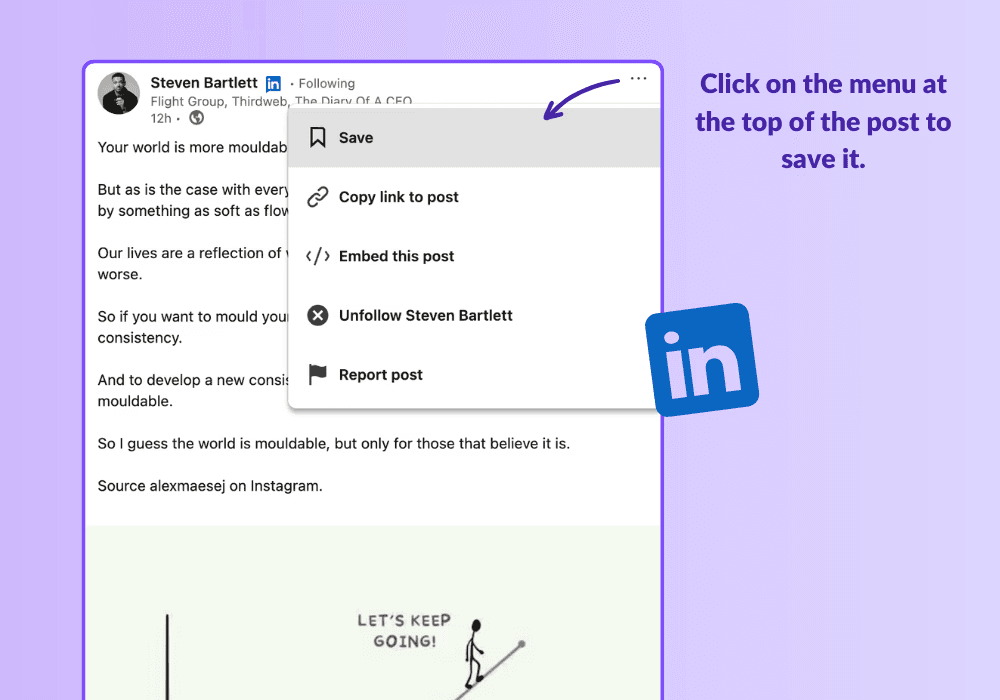
- Click on the pin you like. A pop-up will appear, and you can select “Save” and choose the board where you want to add the pin.
Ethics of Reposting
While reposting can be beneficial, it comes with the responsibility of respecting the original creator’s rights:
- Always give credit where it’s due. Tagging the original creator in your repost is essential to acknowledge their work.
- Consider asking for permission before reposting someone else’s content, especially if it’s a lesser-known creator.
- Avoid reposting content that is copyrighted or has explicit disclaimers against reposting.
Conclusion
Reposting is a great way to curate content and engage with your audience on social media platforms. Whether you choose to use third-party apps for Instagram or simply retweet on Twitter, the essence of reposting is to share and celebrate the creativity of others. Just remember to always attribute the content to its original creator to maintain integrity and respect within the community.
Now that you have learned the ins and outs of reposting, it’s time to get started. Share your favorites, engage with your community, and make your social media feeds more vibrant!


